Don’t Let Holiday Chaos Crash Your Computer: Simple Fixes for Common Tech Issues
Before your computer decides to throw its own holiday tantrum, let’s walk through some simple fixes to keep your tech merry and bright

Holiday Stress Isn’t Just for People — Computers Feel It Too
Hey there, friend! 🎄
If there’s one thing I’ve learned after more than 30 years running Computers Unlimited here in Zephyrhills, it's this:
Computers act up the MOST during the holidays.
I’m talking about:
- Slow computers that crawl like they’re stuck in snow
- Random crashes
- Wi-Fi going down at the worst time
- That spinning wheel that seems to last longer than Christmas dinner
And honestly? I get it. This time of year comes with:
- More online shopping
- More downloads
- More family members using your home network
- More photos and videos
- More everything
Your computer is basically trying to survive holiday chaos right along with you.
So today, I want to show you simple fixes for the most common computer problems people face during the holiday season. And don’t worry — I’ll keep it easy, friendly, and totally beginner-safe.
Let’s keep your tech cheerful, bright, and absolutely meltdown-free.
1. The Slow-As-Molasses Computer
It always happens when you need your computer the most — it slows down like it’s taking a winter nap.
Why it happens:
- Too many apps open
- Old software updates
- Low memory or storage
- Hidden viruses or malware
- Dust buildup causing overheating
Try this simple fix:
- Restart your computer (yes, really!)
- Close tabs and unused programs
- Delete old files and empty the recycle bin
- Update your software
- Run a quick antivirus scan
If it’s STILL slower than Grandma on a ladder putting up the tree, bring it in for a computer tune-up in Zephyrhills. I’ll check everything from your fans to your hard drive speed.
2. Wi-Fi Problems When Family Is Visiting
Nothing brings holiday tension like bad Wi-Fi. Between streaming movies, online gaming, Zoom calls, and endless scrolling, your network might wave a little white flag.
Try this:
- Restart your modem and router
- Move closer to the router
- Disconnect devices you’re not using
- Clear your browser cache
Still spotty? I can help with computer networking services in Zephyrhills — from router upgrades to full-home Wi-Fi optimization.
3. Pop-Ups Everywhere — Like Uninvited House Guests
Pop-ups are basically the holiday fruitcake of the computer world — nobody wants them, and they always show up anyway.
Causes:
- Malware
- Adware
- Bad browser extensions
Quick fix:
- Close the browser
- Run antivirus scans
- Remove unknown browser add-ons
If it’s nonstop chaos, our virus removal services in Zephyrhills will take care of it before these pop-ups ruin your holiday cheer.
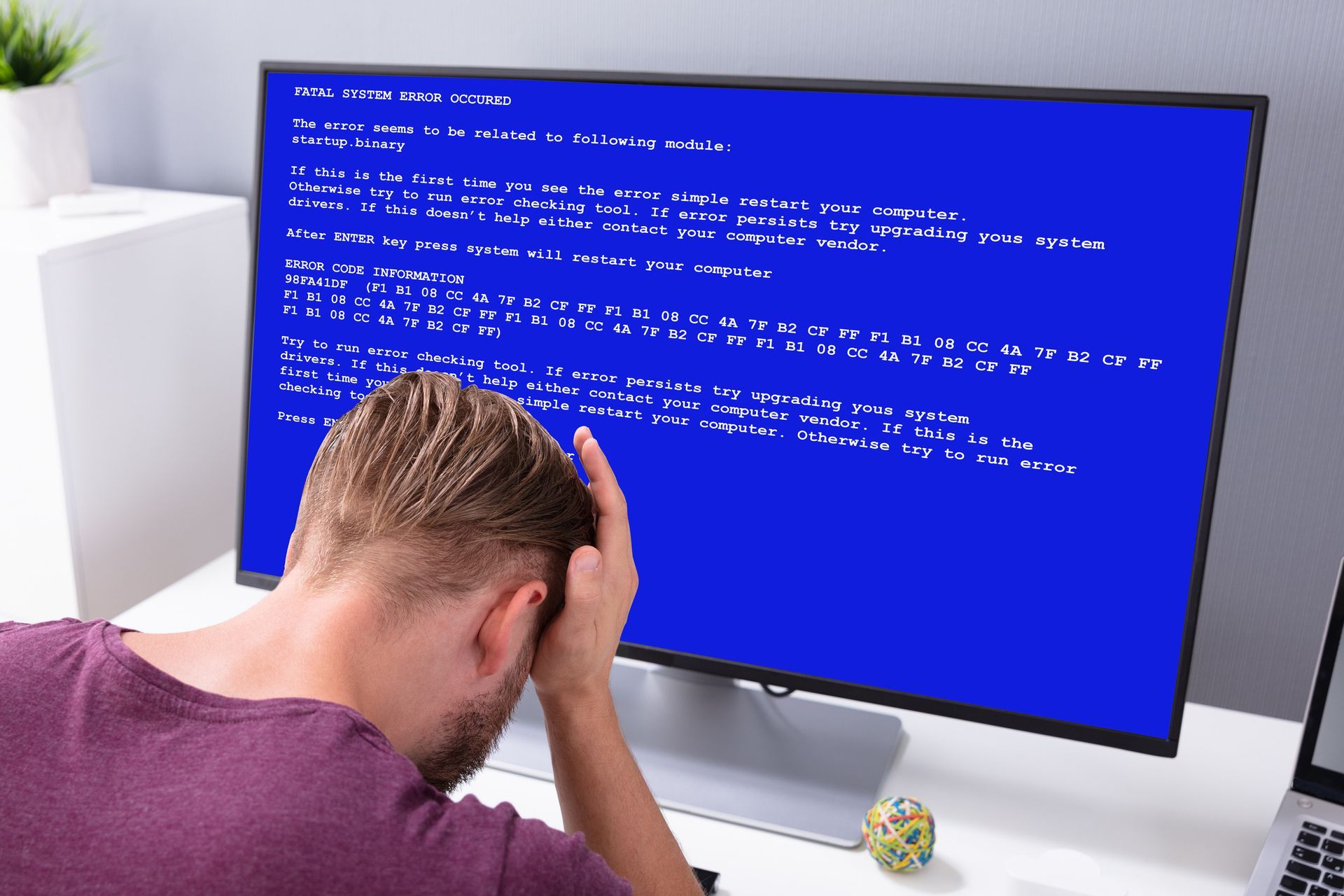
4. Computer Crashing — Usually Right Before Something Important
If your computer has started crashing or freezing, don’t panic — but don’t ignore it, either.
Possible causes:
- Faulty RAM
- Overheating
- Failing hard drive
- Corrupted programs
Try this:
- Shut the system down
- Let it cool
- Unplug accessories
- Run a disk check
If it continues, bring it in for computer diagnostics Zephyrhills so I can find the real cause quickly.
5. Printer Trouble (Because Printers Love Drama)
Need to print holiday recipes or gift return labels? Of course the printer won’t cooperate.
Try this first:
- Restart it
- Rescan for the printer on your PC
- Check ink levels
- Clear paper jams
- Reinstall your printer driver
If it still refuses to behave, I can diagnose whether it’s a software, cable, or internal hardware issue.
6. Your Computer Is Overheating
Holiday cooking isn’t the only thing running hot.
Signs:
- Loud fan
- Random shutdowns
- System lag
- Computer hot to the touch
Try this:
- Move it to a cooler space
- Keep vents clear
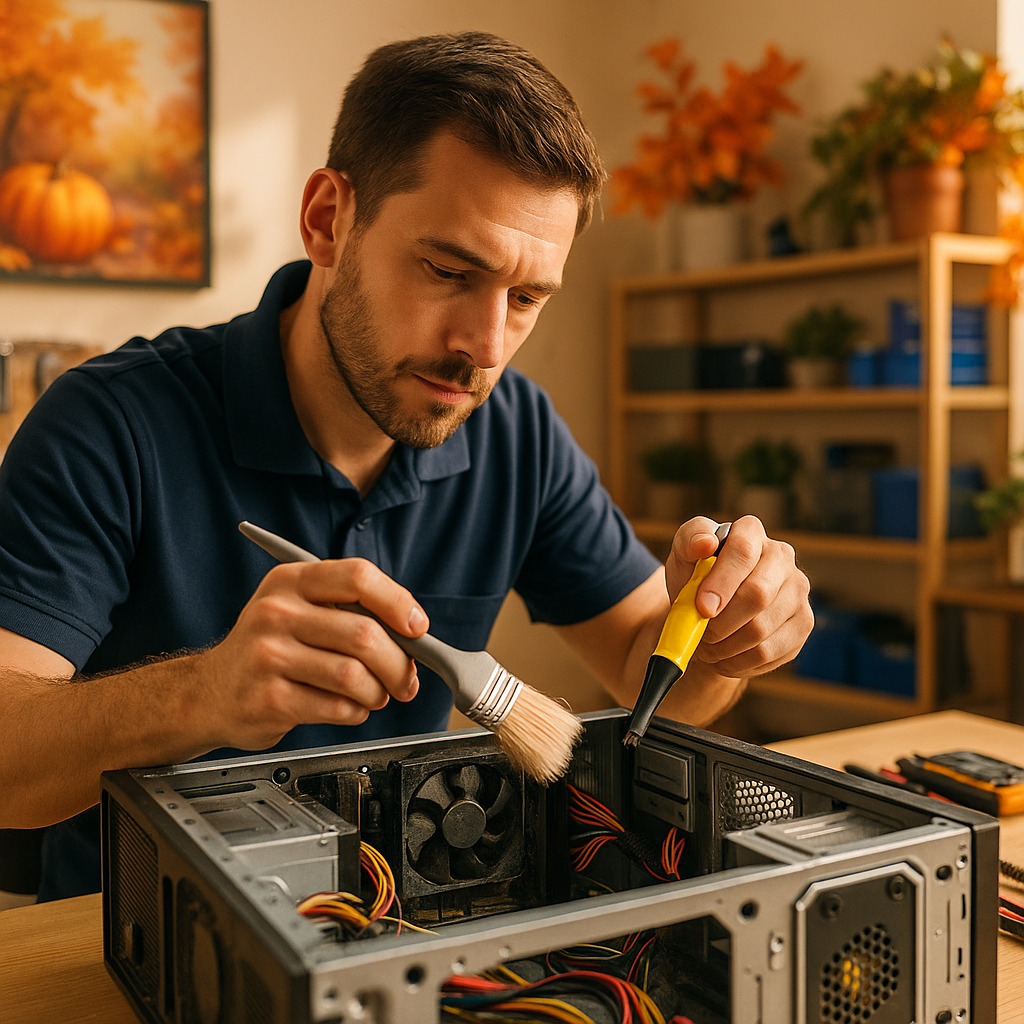
- Use compressed air on fan vents
For deep cleaning, bring it in for computer cleanup and optimization Zephyrhills. Dust is a HUGE holiday troublemaker.
7. Online Shopping Safety — Don’t Get Cyber-Scrooged
Scammers love the holidays even more than shoppers do.
Protect yourself:
- Only shop on trusted sites
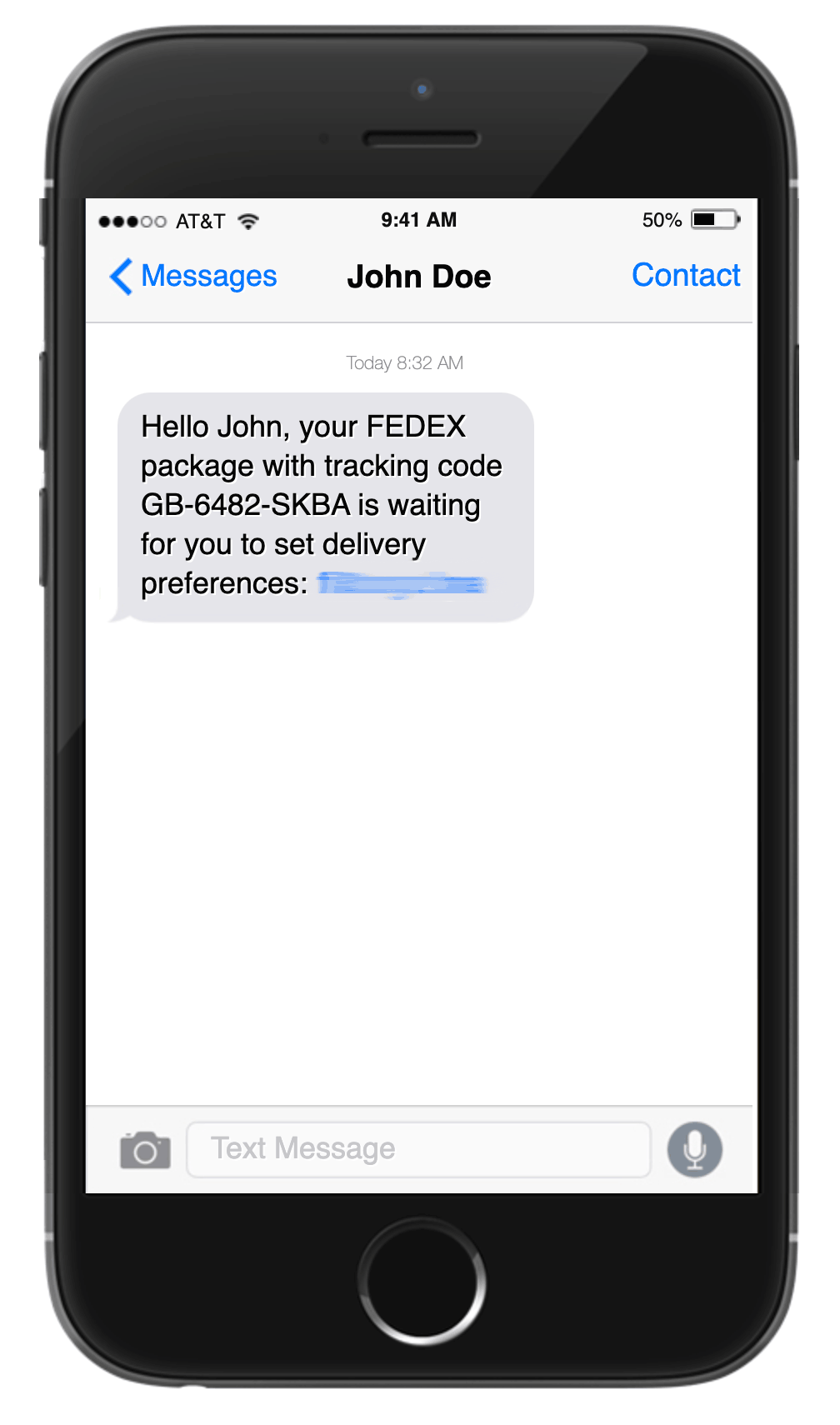
- Don’t click random links in emails
- Look for “https” in website URLs
- Use strong passwords
If you think something suspicious happened, come see me ASAP for virus removal Zephyrhills or data protection services.
Don’t Let Holiday Stress Break Your Computer
You have enough going on this season — gift lists, family visits, holiday cooking…
Let me handle the tech problems.
At Computers Unlimited, I offer:
- 💻 Computer Repair Zephyrhills
- ⚙️ Computer Tune-Ups
- 🦠 Virus Removal Services
- 💾 Data Recovery Zephyrhills
- 🔧 Hardware Repair
- 🌐 Networking & Business IT Support
- ♻️ Refurbished Computers & Upgrades
Serving Zephyrhills, Wesley Chapel, San Antonio, and Dade City since 1993 — proudly veteran-owned.
Final Thoughts: Keep Your Tech Merry, Bright, and Working Right
You deserve a peaceful, joyful holiday — not a computer meltdown.
Whether you need a tune-up, virus removal, or help troubleshooting a stubborn laptop, I’m here for you.
📞 Call
813-783-3282
🌐 Visit
www.cuofzhills.com
📍 Located in Zephyrhills, FL — serving nearby towns with pride and care
Let’s make sure your tech stays festive instead of frustrating. 🎄💻