Is Your Business IT Ready for 2026? A New-Year Technology Checklist
Start the year strong by identifying hidden IT risks, security gaps, and performance issues before they cost your business time, money, and customers

A new year brings new opportunities — but it also brings new technology risks. Cyber threats evolve, software ages, and businesses grow faster than their IT systems can handle. Unfortunately, many companies don’t realize their technology is outdated or vulnerable until something breaks.
The beginning of the year is the best time to evaluate your IT environment and make sure your business is prepared for what’s ahead.
This simple checklist will help you determine whether your IT systems are ready for 2026 — or quietly putting your business at risk.
Why a New-Year IT Checkup Matters
Technology issues rarely happen out of nowhere. Most downtime, data loss, and security breaches are the result of problems that were already there — just unnoticed.
Common causes include:
- Outdated software and hardware
- Weak cybersecurity protections
- Inconsistent data backups
- Lack of system monitoring
- No clear response plan when issues occur
Addressing these early helps businesses avoid costly disruptions later in the year.
The 2026 Business IT Readiness Checklist
✅ 1. Are All Systems Fully Updated?
Outdated operating systems and software are one of the easiest entry points for cybercriminals.
Check that:
- All computers and servers are running supported operating systems
- Security patches and updates are installed automatically
- Critical business applications are current
If updates are being delayed or skipped, your business is exposed.
✅ 2. Is Your Cybersecurity Layered — or Basic?
Antivirus alone is no longer enough.
A modern security setup should include:
- Advanced threat protection
- Email filtering and phishing protection
- Firewall and network security
- User access controls
If your security relies on one tool, it’s likely not enough for today’s threats.
✅ 3. Are Your Backups Actually Working?
Many businesses believe their data is protected — until they need it.
Verify that:
- Backups run automatically
- Data is stored securely offsite or in the cloud
- Backup restoration has been tested
A backup that hasn’t been tested can’t be trusted.
✅ 4. Is Your Hardware Nearing End of Life?
Older computers and servers become unreliable and slow over time, especially as workloads increase.
Signs it may be time to upgrade:
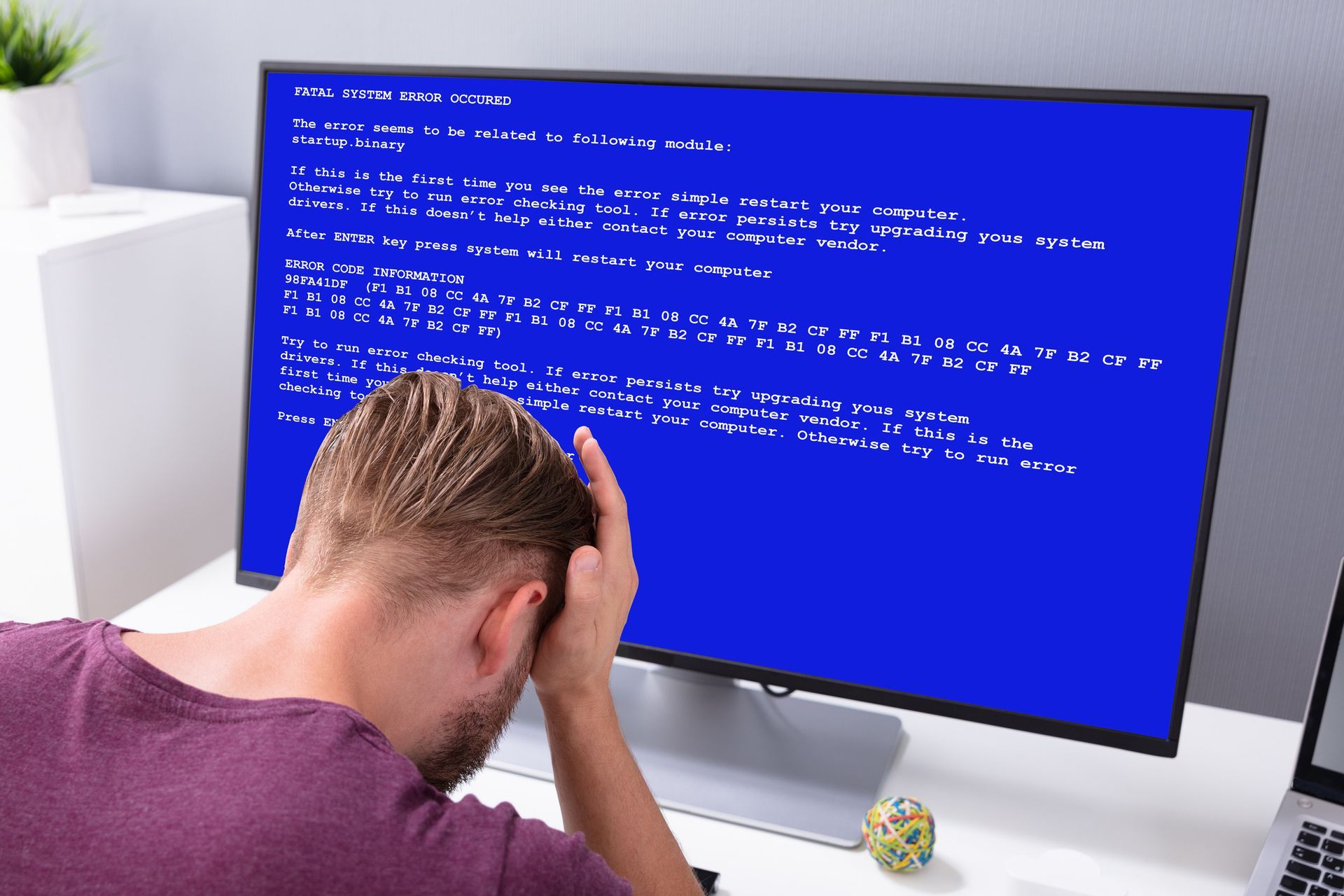
- Frequent crashes or freezing
- Slow startup and application load times
- Devices no longer supported by manufacturers
Failing hardware often waits until peak business hours to break.
✅ 5. Can Your Team Work Securely From Anywhere?
Remote and hybrid work are here to stay.
Your IT should support:
- Secure remote access
- Encrypted connections
- Clear device and login policies
Unsecured remote access is one of the fastest ways data breaches occur.
✅ 6. Are Your Systems Being Monitored 24/7?
Problems don’t wait for business hours.
Continuous monitoring helps:
- Detect issues early
- Prevent downtime
- Resolve problems before users are affected
If you only find out something is wrong when employees complain, you’re already behind.
✅ 7. Do You Have a Clear IT Response Plan?
When something goes wrong, every minute counts.
Your business should know:
- Who to call
- How issues are prioritized
- How long does resolution typically take
A slow or unclear response plan often turns small issues into major disruptions.
Why Many Businesses Fall Behind Without Realizing It
Technology often works “well enough” — until it doesn’t. Without proactive management, businesses drift into risky territory without knowing it.
That’s why companies that rely on managed IT services experience fewer outages, better security, and smoother operations throughout the year.
Start 2026 With Confidence — Not Tech Guesswork
A new year is the perfect time to eliminate uncertainty and make sure your technology supports your goals — not holds you back.
At Computers Unlimited, we help businesses identify weaknesses, improve performance, and stay secure year-round with proactive IT support.
A short IT review now can prevent major headaches later.