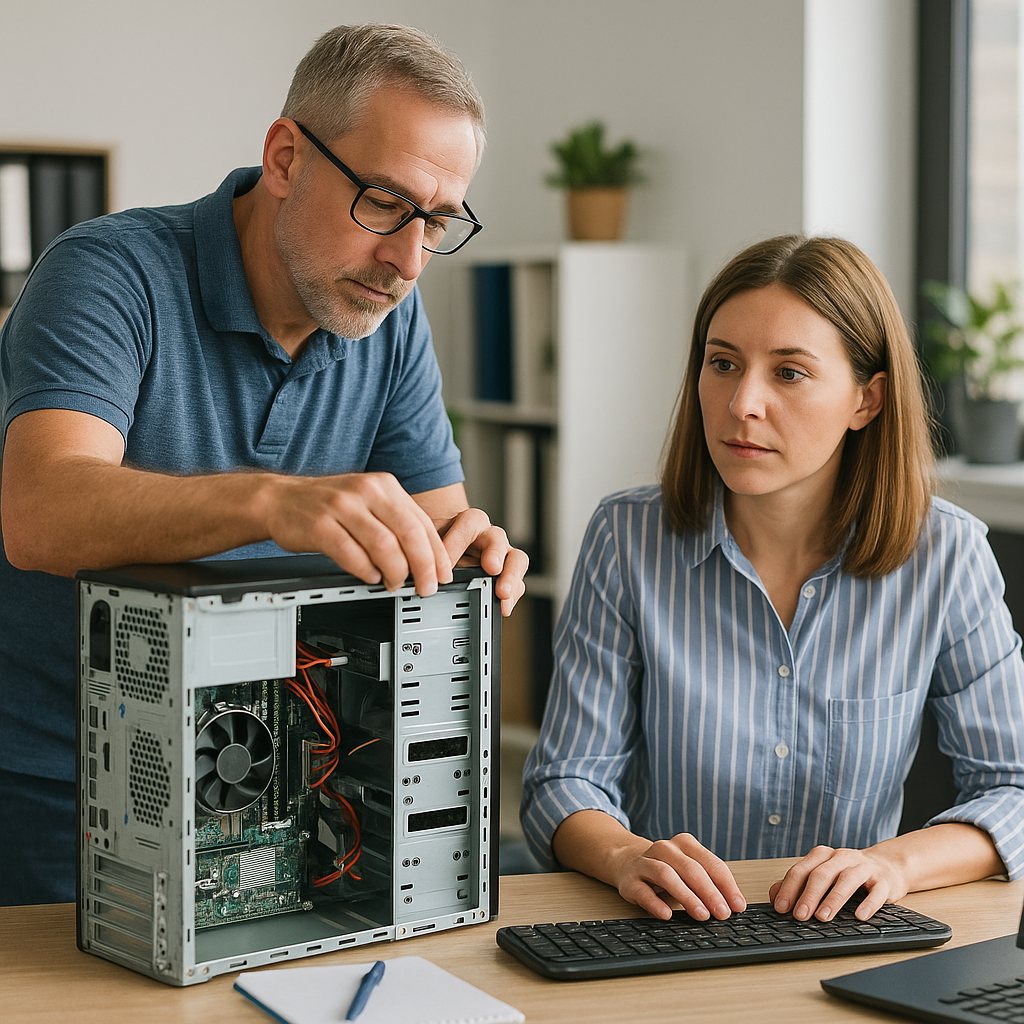
Remote Work Technology: Setting Up Your Home Office for Success
Maximizing Remote Work Efficiency with Expert Guidance

Introduction:
In the wake of the global shift towards remote work, the home office has become the new workplace for millions of professionals worldwide. However, transitioning from a traditional office setting to a home-based environment comes with its unique challenges. From setting up a comfortable workspace to ensuring reliable internet connectivity, there are several factors to consider to maximize productivity and efficiency. At Computers Unlimited in Zephyrhills, we're here to provide expert guidance on setting up your home office for success.
Creating Your Workspace:
The first step in optimizing your home office is creating a dedicated workspace that promotes focus and productivity. Choose a quiet area in your home with minimal distractions, ideally away from high-traffic areas. Invest in ergonomic furniture, such as an adjustable desk and supportive chair, to maintain proper posture and reduce the risk of discomfort or injury during long work hours.
Optimizing Internet Connectivity:
A stable and high-speed internet connection is essential for remote work success. Start by conducting a speed test to assess your current internet speed and identify any potential bottlenecks. Consider upgrading to a faster plan or investing in a reliable router to improve connectivity. Position your router in a central location within your home to ensure consistent coverage throughout your workspace. Additionally, consider using wired connections whenever possible for maximum reliability.
Ensuring Security and Privacy:
Protecting sensitive information is paramount when working from home. Take proactive measures to safeguard your data by implementing strong passwords, enabling two-factor authentication, and using virtual private network (VPN) services for secure remote access to company resources. Keep your work devices updated with the latest security patches and antivirus software to defend against cyber threats.
Setting Up Collaboration Tools:
Effective communication and collaboration are essential for remote teams. Explore a variety of collaboration tools, such as video conferencing platforms, project management software, and instant messaging apps, to stay connected with colleagues and clients. Familiarize yourself with the features and functionalities of these tools to streamline workflows and enhance productivity.
Troubleshooting Common Issues:
Despite your best efforts, you may encounter technical issues while working remotely. Equip yourself with troubleshooting skills to quickly resolve common problems, such as network connectivity issues, software glitches, and hardware malfunctions. Leverage online resources, community forums, and expert support services for timely assistance whenever you encounter a roadblock.
Conclusion:
With the right tools, strategies, and support, you can create a home office environment that fosters productivity, creativity, and success. At Computers Unlimited in Zephyrhills, we're dedicated to helping you navigate the complexities of remote work technology and achieve your professional goals from the comfort of your home. Visit us at 6220 Fort King Rd. Suite A, Zephyrhills, FL 33542, or call (813) 783-3282 to learn more about our remote work solutions and expert support services.
Make your home office a place of productivity and inspiration with Computers Unlimited. Your success starts here.
Visit Computers Unlimited for expert guidance on setting up your home office for success.