Why Your Computer Keeps Overheating—And How to Cool It Down Fast
Tips from Your Local Tech Experts at Computers Unlimited in Zephyrhills
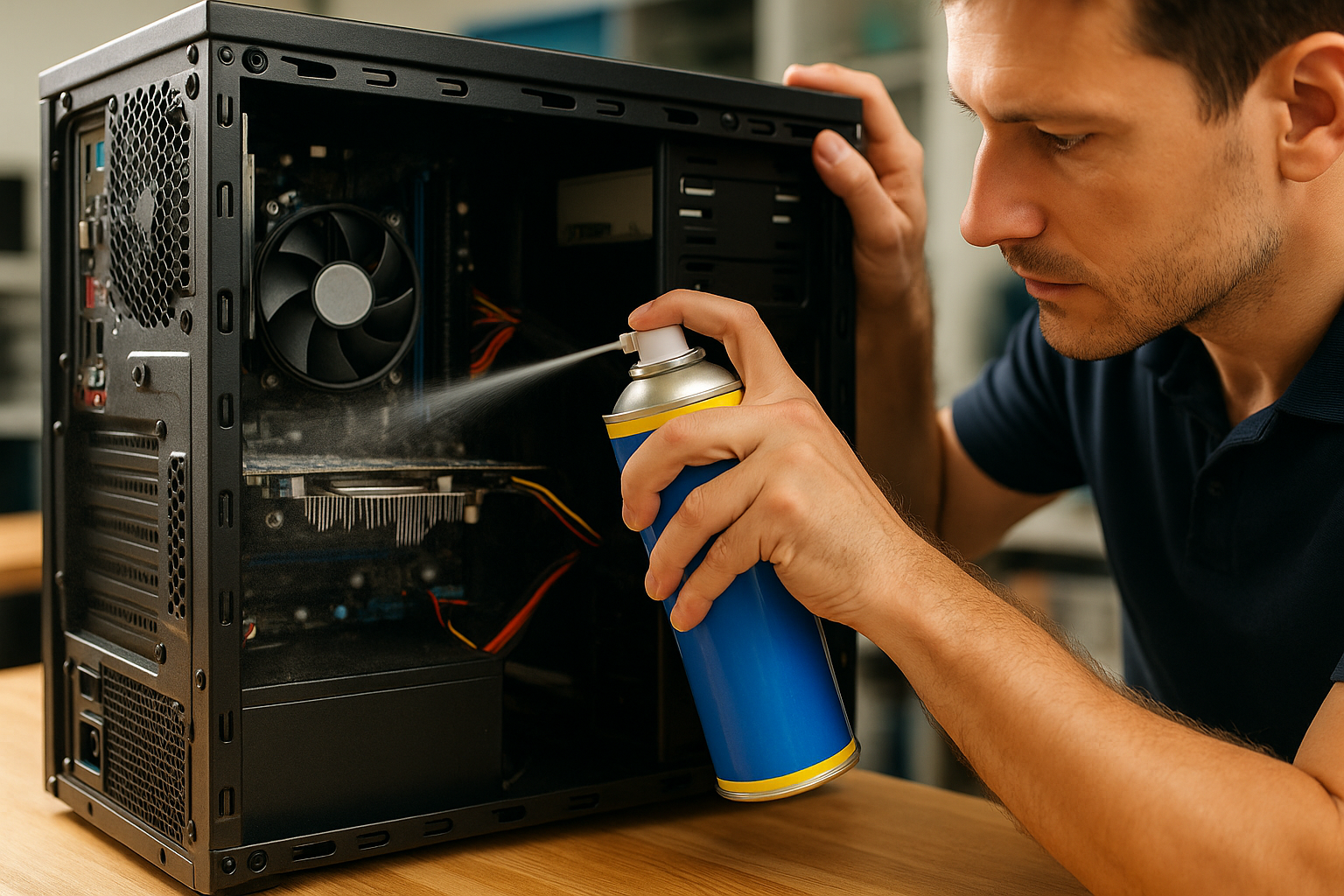
Is Your Computer Running Hot Enough to Fry an Egg? Let’s Fix That.
Hey there! If your computer’s been running hot lately, sounding like a jet engine, or shutting down randomly—don’t worry, you’re not alone.
Here at Computers Unlimited, right in Zephyrhills, I see overheating issues almost every day. It happens to laptops, desktops, gaming rigs—you name it. And while it might seem harmless, overheating can seriously damage your computer if it’s left unchecked.
But the good news? I’ve got simple tips, smart solutions, and expert repairs that can cool your system down and keep it running like new. Whether you’re in Wesley Chapel, San Antonio, or Dade City, this blog’s for you.
First Things First—What Causes a Computer to Overheat?
Overheating can come from a bunch of different things. Here’s what I check first when someone brings in a hot or noisy computer:
1. Dust Buildup
Dust is enemy #1. It clogs up vents, fans, and heatsinks, making it hard for your system to cool itself. A little dust can cause a big heat wave.
2. Poor Airflow
If your computer is stuffed in a tight space—like a cabinet, desk corner, or blanket-covered lap—air can’t flow, and heat gets trapped.
3. Failing Fans
Fans are built to spin and cool components. But over time, they can slow down, wear out, or get noisy. That means less cooling and more overheating.
4. Overworked Hardware
Are you gaming? Streaming? Running 50 tabs at once? High performance = high heat. If your system isn’t built for it, things can get toasty fast.
5. Old Thermal Paste
This goo helps transfer heat from your processor to the cooling system. Over time, it dries out and stops working properly, causing the CPU to heat up.
What Overheating Can Do to Your Computer
I don’t mean to scare you, but I do want to be real with you: overheating is serious.
Here’s what can happen if you ignore it:
- 🔥 System crashes and shutdowns
- 🔥 Damaged or melted components
- 🔥 Reduced performance
- 🔥 Hard drive or SSD failure
- 🔥 Shortened lifespan of your entire machine
Don’t let it get to that point! That’s why I always tell customers in Zephyrhills and beyond—cooling isn’t optional, it’s essential.
Signs Your Computer Is Overheating
Wondering if your PC or laptop is running too hot? Watch for these signs:
🚨 Fan running loudly all the time
🚨 Slow or laggy performance
🚨 Random shutdowns or restarts
🚨 Hot keyboard or case
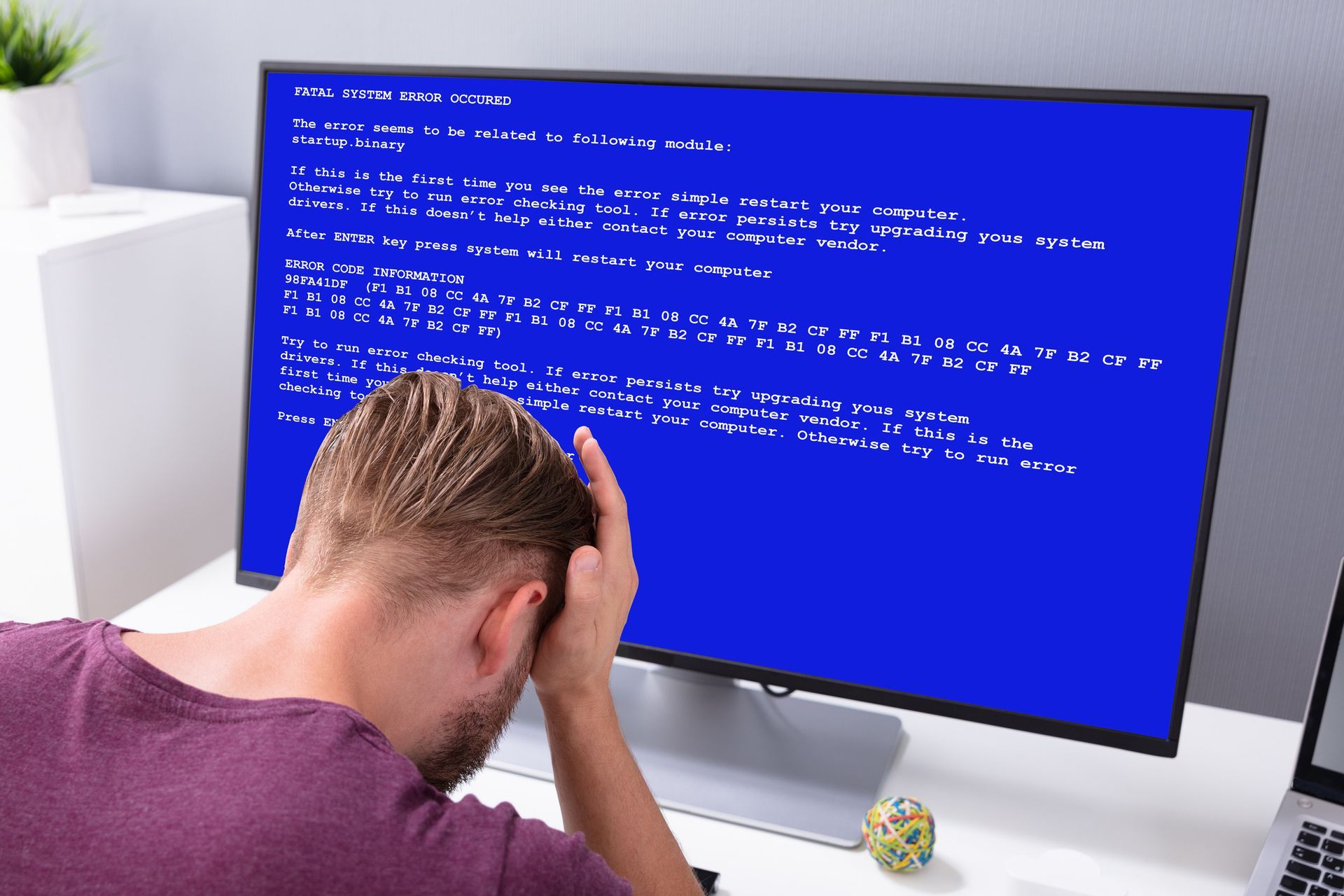
🚨 Warning messages or blue screens
🚨 Programs crashing unexpectedly
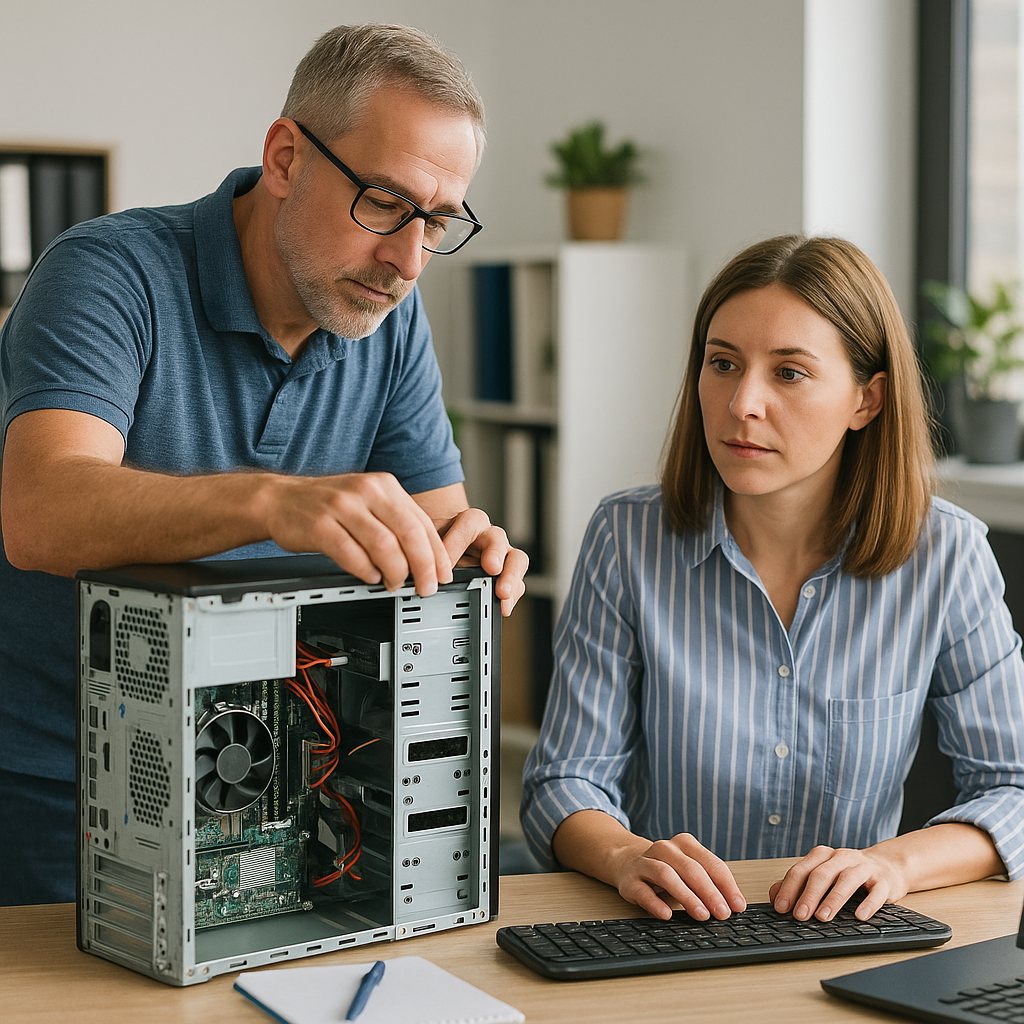
If any of these are happening to you, bring your device to Computers Unlimited in Zephyrhills. I’ll run a full hardware and temperature diagnostic to see what’s going on.
How I Help Fix Overheating (Fast and Affordable)
I’ve helped everyone from gamers to grandparents cool their computers down. Here’s what I offer:
✅ Deep Cleaning
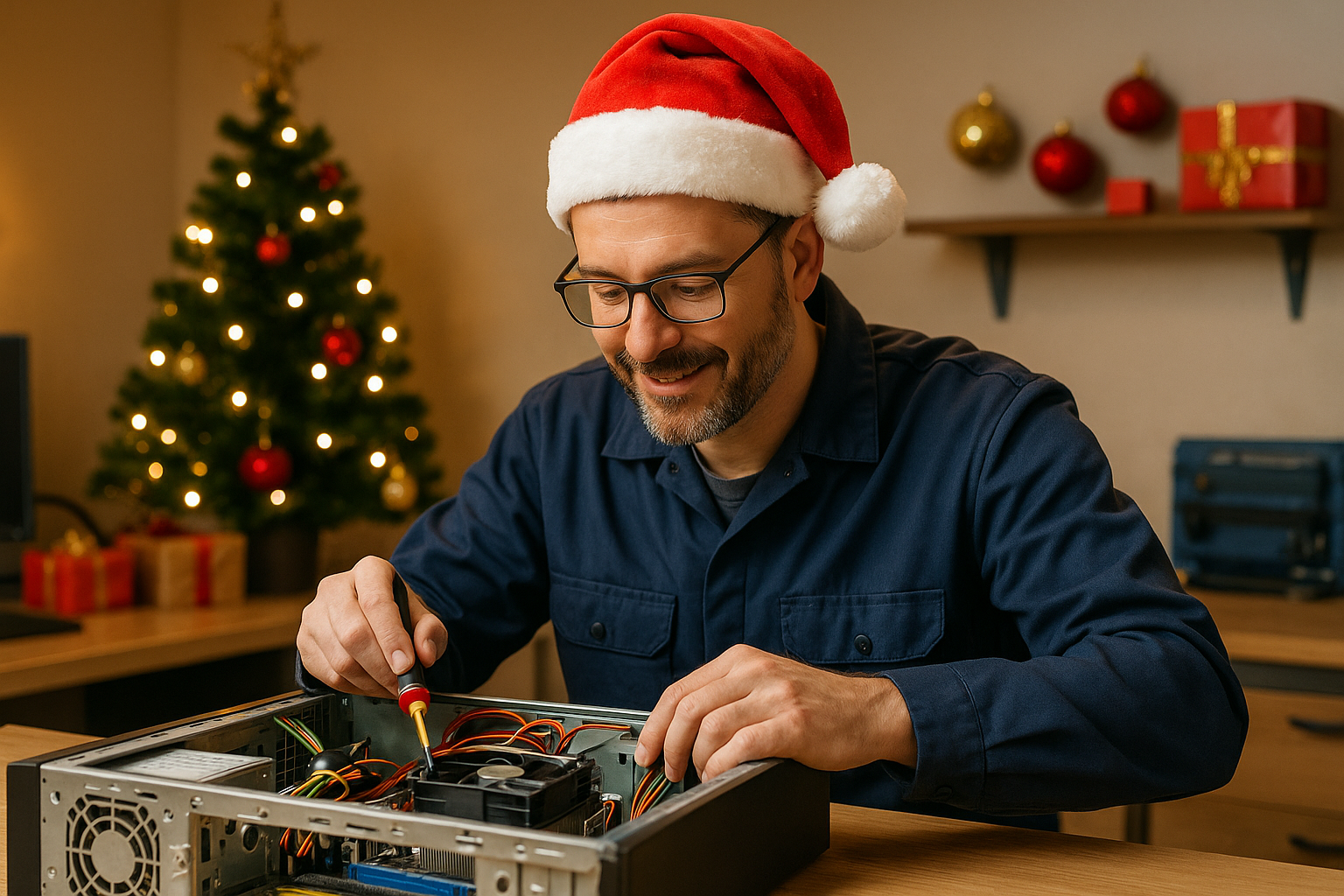
Dust and gunk don’t stand a chance. I’ll carefully clean your fans, vents, heatsinks, and case to restore airflow and lower temps.
✅ Fan Replacement and Upgrades
Got a noisy or failing fan? I’ve got you covered. I stock and install replacement fans for laptops and desktops—and I even offer silent or high-performance options if you want something better.
✅ Thermal Paste Replacement
Old paste = hot CPU. I remove dried thermal paste and replace it with high-quality thermal compound to keep your processor cool and happy.
✅ Case and Cooling Advice
Thinking about better airflow or a new setup? I help customers choose refurbished or custom-built desktops with airflow and cooling in mind.
✅ Software Optimization
Sometimes, background apps and malware push your system too hard. I offer computer cleanup and optimization services in Zephyrhills to lower stress and heat output.
Real Stories from Cool (Literally) Customers
Alex from Wesley Chapel
His gaming rig sounded like a wind tunnel—and kept shutting off mid-game. I cleaned it out, replaced the thermal paste, and installed a new fan. Now it runs cooler, quieter, and smoother than ever.
Diane in San Antonio
Her laptop was overheating after just 10 minutes of use. Turned out it was full of dust and needed a cooling pad. I did a quick cleanup and gave her a few airflow tips—and now she’s back to work (and Netflix) without issues.
Fred from Dade City
Fred’s business desktop was running slow and constantly overheating. After a cleanup, tune-up, and thermal fix, he told me, “It runs like it’s brand new!”
Tips to Keep Your System Cool at Home
Want to avoid heat problems in the future? Try these:
✅ Keep vents clear—no blocking airflow
✅ Clean your system every few months
✅ Use a cooling pad for laptops
✅ Avoid soft surfaces like beds or couches
✅ Don’t leave it in hot cars or direct sunlight
✅ Get a yearly tune-up (I do those!)
What Makes Computers Unlimited Different?
Here’s what you get when you work with me:
🧰
Expert repairs – I’ve seen it all since 1993
🎯
Honest advice – If a fix isn’t worth it, I’ll tell you
⚙️
Fast service – Many repairs done same day
💵
Affordable pricing – No hidden fees, no upsells
💻
Custom upgrades – If it’s time to upgrade, I’ve got
refurbished desktops and laptops ready to go
📍
Local and trusted – Proudly serving
Zephyrhills,
Wesley Chapel,
San Antonio, and
Dade City
Let’s Cool Things Down—The Right Way
If your computer is running hot, don’t ignore it. Bring it by Computers Unlimited, and I’ll give it the care it needs to cool down and speed up.
📞 Call me today at
813-783-3282
🌐 Visit:
cuofzhills.com
📍 Drop by my shop in
Zephyrhills—walk-ins welcome!
Let’s keep your tech cool, quiet, and built to last. 🧊💻